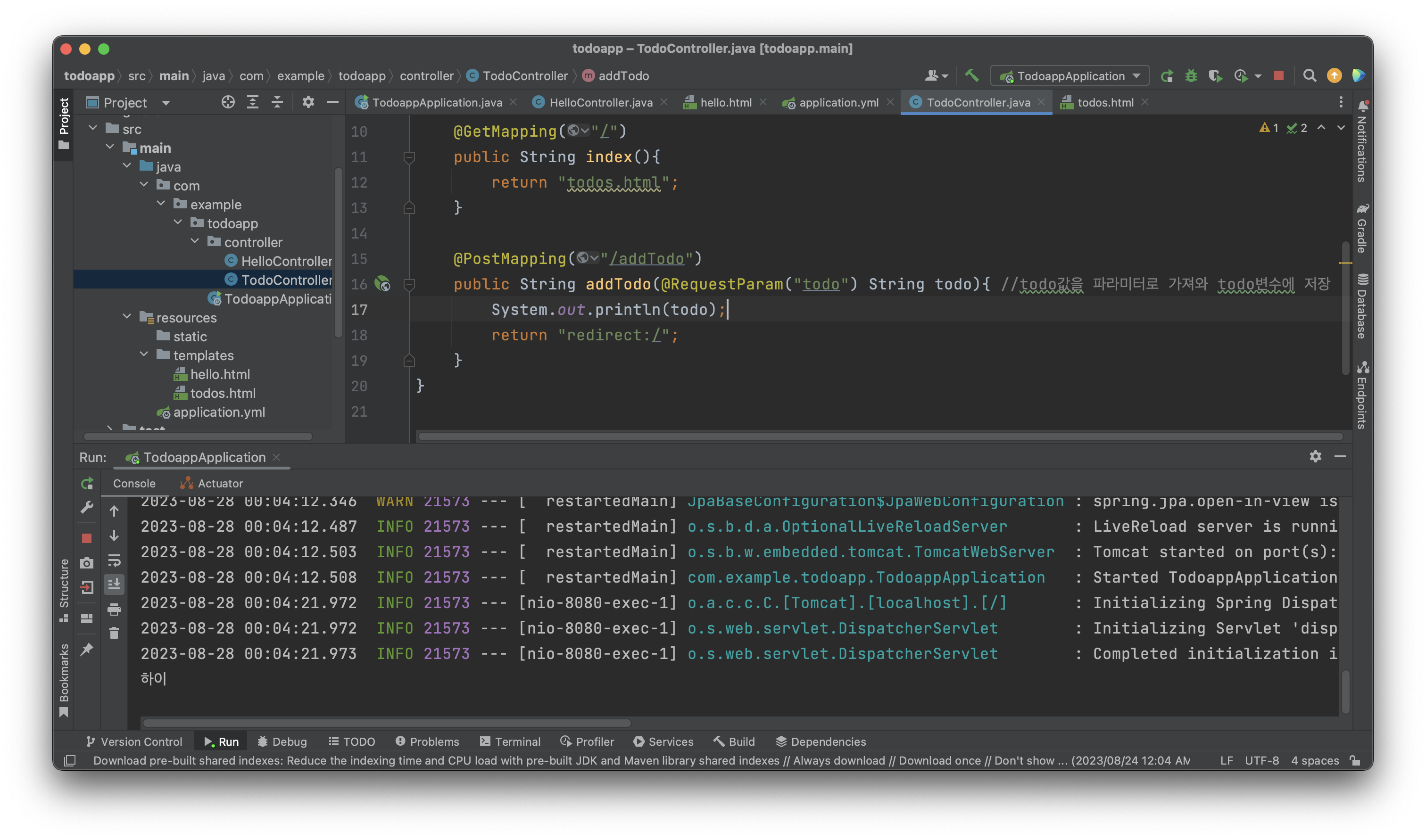
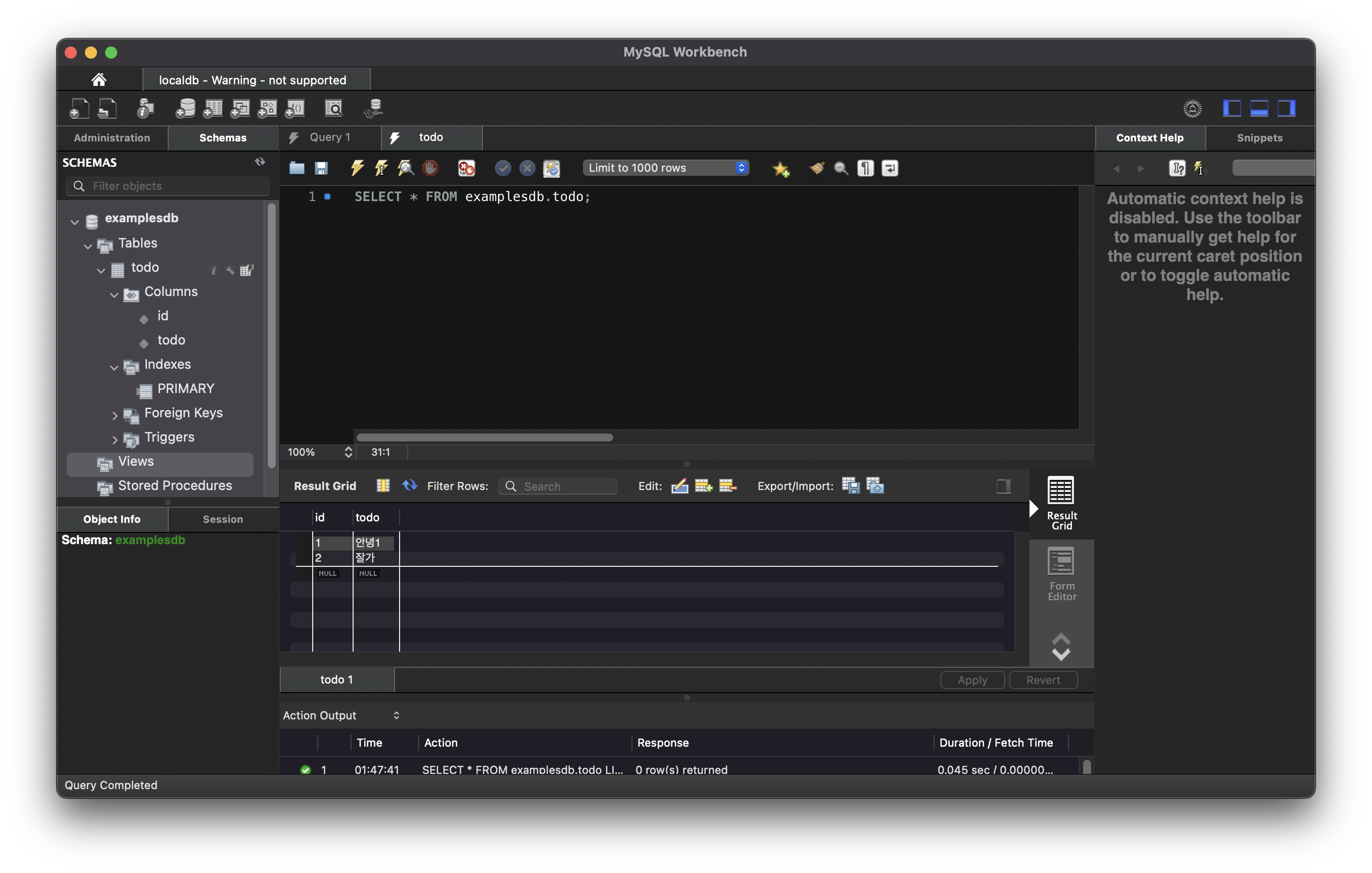
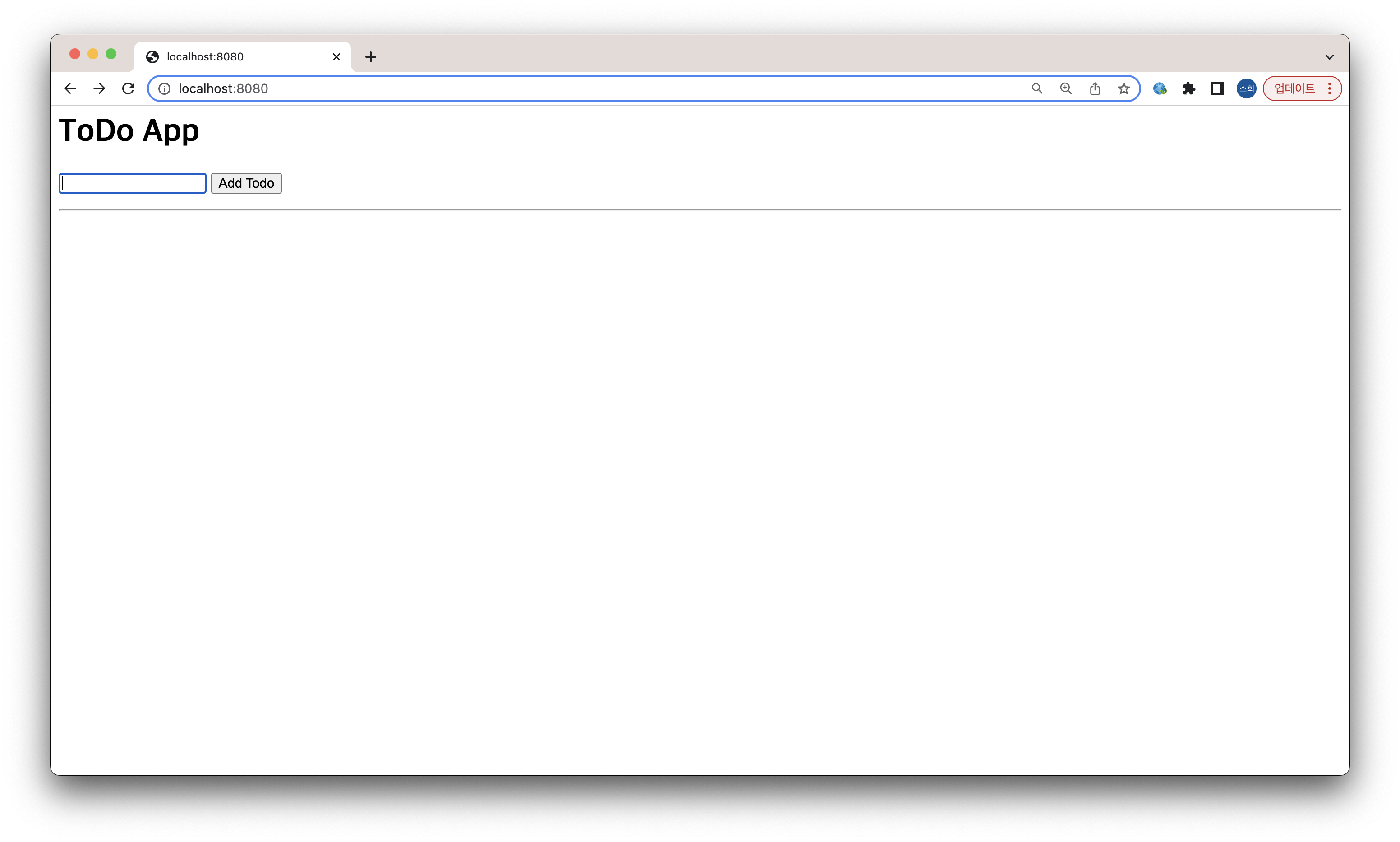
Spring Boot, Spring Data JPA, 템플릿 엔진(HTML), MySQL 사용
Doker를 이용해서 MySQL 설치
-1프로젝트 생성
- https://start.spring.io/ 에서 프로젝트 생성 (Gradle)
Dependencies : Lombok, Spring Boot DevTools, Spring Web, Spring Data JPA, MySQL Driver, Thymeleaf
- DataSource 객체를 생성하기위한 URL속성 필요
2. MySQL설치
- Docker-Desktop 설치
mkdir ~/devel
mkdir ~/devel/docker
mkdir ~/devel/docker/database
폴더 생성 후 nano docker-compose.yml 파일 생성
version: "2"

services:
  vacation-db:
    image: mysql
    restart: always
    environment:
      MYSQL_ROOT_PASSWORD: "root1234"
      MYSQL_DATABASE: "examplesdb"
      MYSQL_USER: "urstory"
      MYSQL_PASSWORD: "u1234"
    command:
      - --character-set-server=utf8mb4
      - --collation-server=utf8mb4_unicode_ci
    volumes:
      - ./database/init/:/docker-entrypoint-initdb.d/
      - ./database/datadir/:/var/lib/mysql
    platform: linux/x86_64
    ports:
      - 3306:3306
-MySQL Workbench 설치 (MySQL Client)
3. url 속성 넣어주기
참고 https://rayakeem.tistory.com/13
inteliJ > application.properties(.yml) 설정파일 안에 작성
spring.datasource.url=jdbc:mysql://localhost:3306/데이터베이스이름
spring.datasource.username=사용자명
spring.datasource.password=비밀번호
spring.datasource.driver-class-name=com.mysql.cj.jdbc.Driver
4. test : HelloController 작성
테스트를 위한 HelloController, Hello.html 작성
HelloController
package com.example.todoapp.controller;


import org.springframework.stereotype.Controller;
import org.springframework.web.bind.annotation.GetMapping;

//spring mvc
@Controller
public class HelloController {
    @GetMapping("/hello")
    public String hello(){
        return "hello";
    }
}
Hello.html (위치: resources/templates)
-thymeleaf 레이아웃 사용
<html lang="ko"
      xmlns:th="http://www.thymeleaf.org"
      xmlns:layout="http://www.ultraq.net.nz/thymeleaf/layout">

<div> hello !! </div>
</html>